
Mastering Enterprise Cloud Migration and System Integration

Moving business operations into the cloud requires more than simply uploading local spreadsheets to remote servers. Companies accumulate years of operational history across disjointed applications, making every database unique and every migration path complex.
Without a structured plan, transitioning critical files often leads to broken links, missing customer records, and frustrated employees staring at error screens instead of serving clients. Careful preparation changes that outcome entirely.
Mapping the Existing Digital Ecosystem
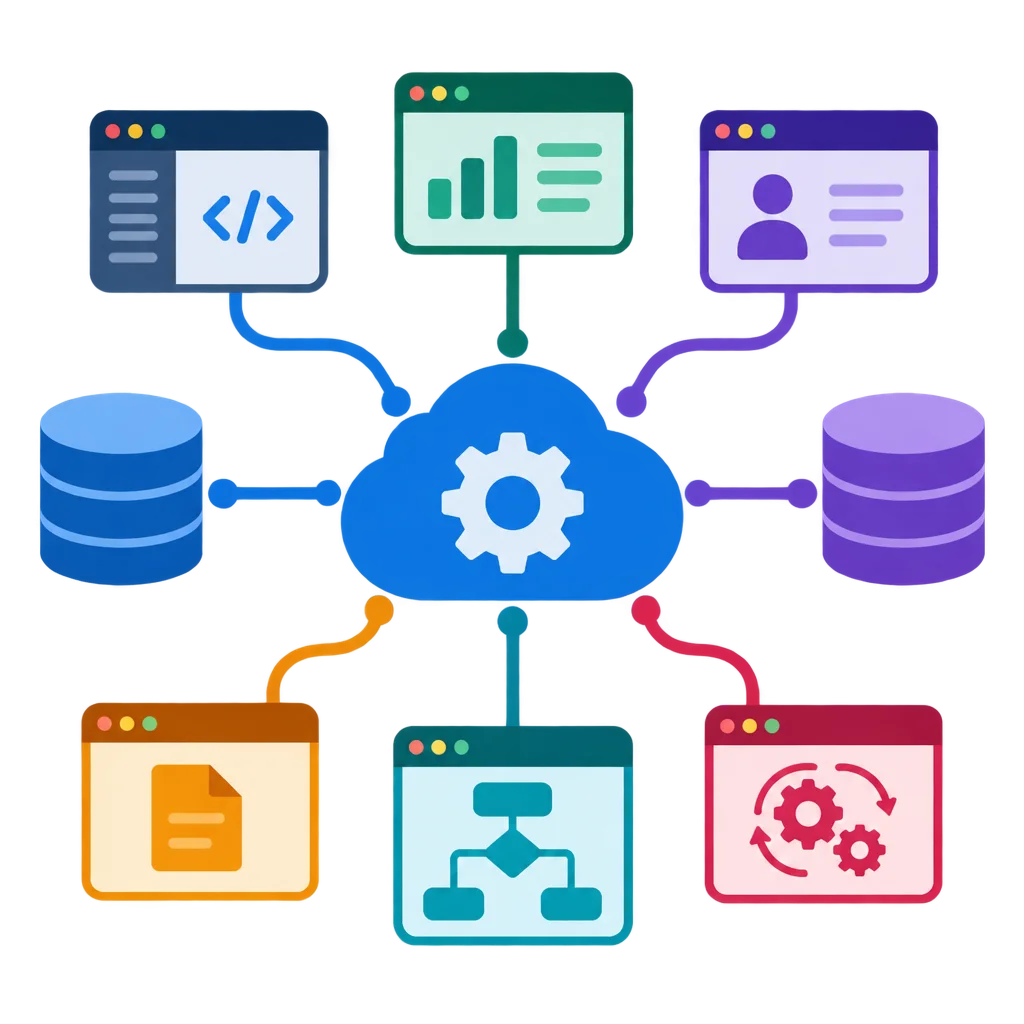
Before any data moves toward cloud storage, engineers must examine how information currently flows through the office. Standalone accounting software, legacy customer ledgers, and modern web services usually operate in total isolation from one another.
Mapping these connections reveals hidden dependencies that might otherwise break during a sudden transfer. Every local folder, user permission, and automated report needs documentation so nothing gets left behind in the old hardware.
- Audit all active software licenses and database schemas
- Identify redundant files and archive outdated customer records
- Map user access levels across different departments
- Document existing API connections between online services
- Establish baseline performance metrics for current local servers
- Schedule backup points to secure raw data before transfer
Skipping this mapping phase is the primary reason migration projects stall or fail entirely. Understanding the terrain allows technical teams to anticipate bottlenecks rather than reacting to emergencies halfway through the rollout.
Executing Safe Data Migration
Once the architecture is clear, the actual movement of files begins through encrypted channels. Large enterprise databases cannot be copied in a single massive burst without overwhelming network bandwidth and risking packet loss.
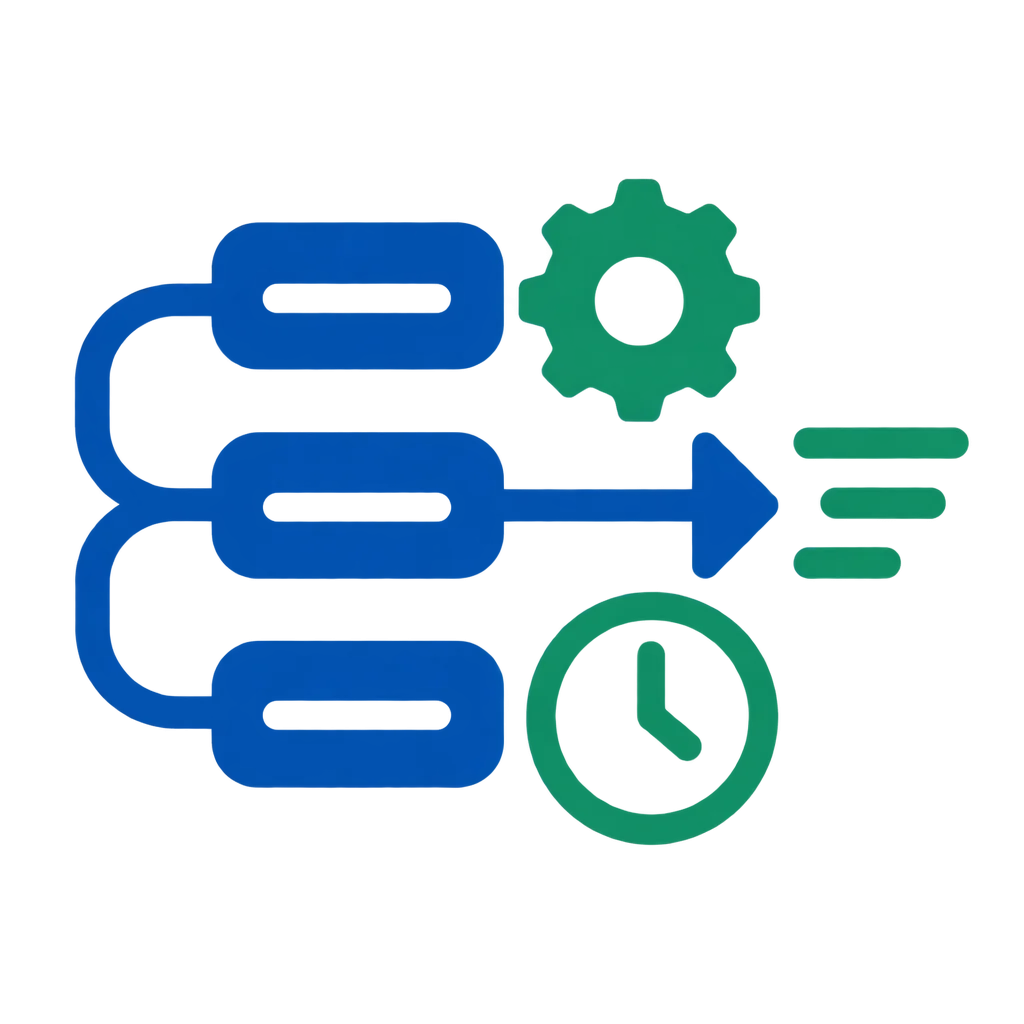
Instead, migration tools transfer information in structured batches, verifying checksums continuously to guarantee absolute accuracy. Old records remain accessible on local drives while cloud instances undergo rigorous testing in parallel environments.
Only when test queries return identical results do administrators switch the primary routing over to the new cloud infrastructure. This dual-run strategy protects daily business activities from unexpected downtime or corrupted file transfers.
Unifying Workflows Across Platforms
Moving storage to the cloud solves physical hardware limits, but true efficiency comes from connecting disparate tools into a cohesive routine. Customer relationship management tools must feed directly into enterprise resource planning software without requiring manual copy-pasting.
Automated synchronization ensures that an order placed through an online portal updates warehouse inventory levels instantly. Staff members stop wasting hours moving files between desktop folders and web browsers because the system handles routing automatically in the background.
Security policies apply uniformly across all connected services, protecting sensitive client details whether viewed from a laptop in the headquarters or a tablet in the field.
Managing the Human Element of Change
Technology transitions ultimately succeed or fail based on how comfortably employees adopt new daily habits. Even the most sophisticated cloud architecture becomes useless if staff members find ways to bypass it and revert to old desktop spreadsheets.
Training sessions should focus on practical daily tasks rather than abstract technical theory. Show team members precisely where their files live now, how to generate standard reports, and whom to contact when an unexpected error appears on screen.
Gradual rollout phases give personnel time to build confidence in the new digital environment, turning initial skepticism into routine acceptance.
Successful cloud integration leaves behind the chaos of fragmented local files and builds a resilient foundation for future business growth. Companies that treat migration as an ongoing operational upgrade rather than a one-time IT chore position themselves to adapt quickly to whatever market demands arise next.








Comments
Moving our company databases to the cloud felt daunting at first, but the team handled every single table with extreme care. Our internal workflow is finally smooth and centralized.
Data security was our absolute priority when considering cloud migration. The engineers explained every encryption protocol thoroughly and gave us total peace of mind throughout.
We had multiple standalone software tools that never communicated properly. Quantavisor connected our ERP and customer database without causing any downtime for our warehouse staff.
Our customer service agents now access client history instantly because all online services and local files sit inside one unified platform. It has genuinely transformed our office.
The step-by-step rollout plan made all the difference for our technicians. Everyone understood their tasks clearly and the transition happened over a single weekend without hiccups.